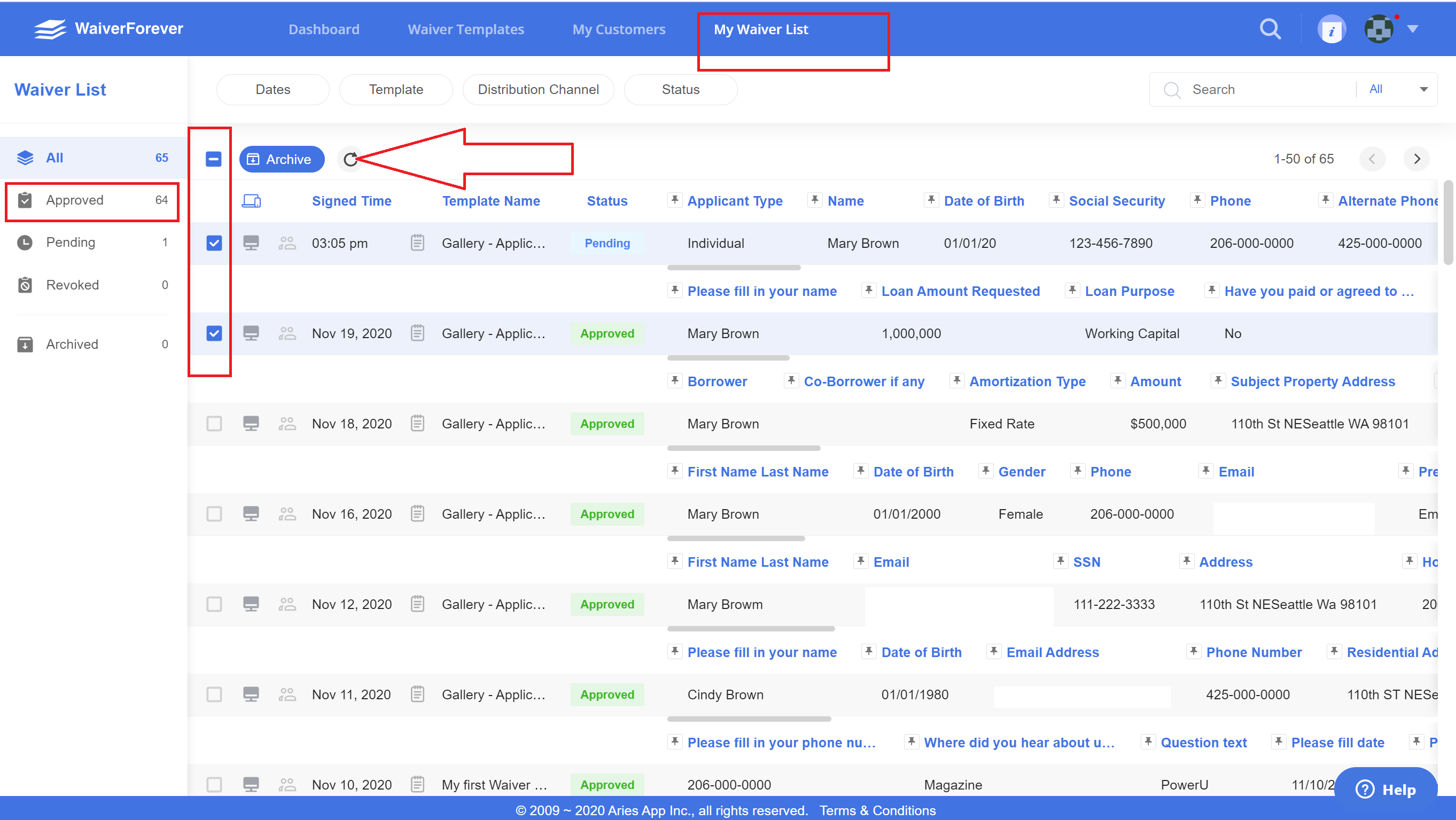
1. To delete multiple files, click the My Waiver List and left-click each one of the remaining files you want to delete. Archive  the selected waivers.
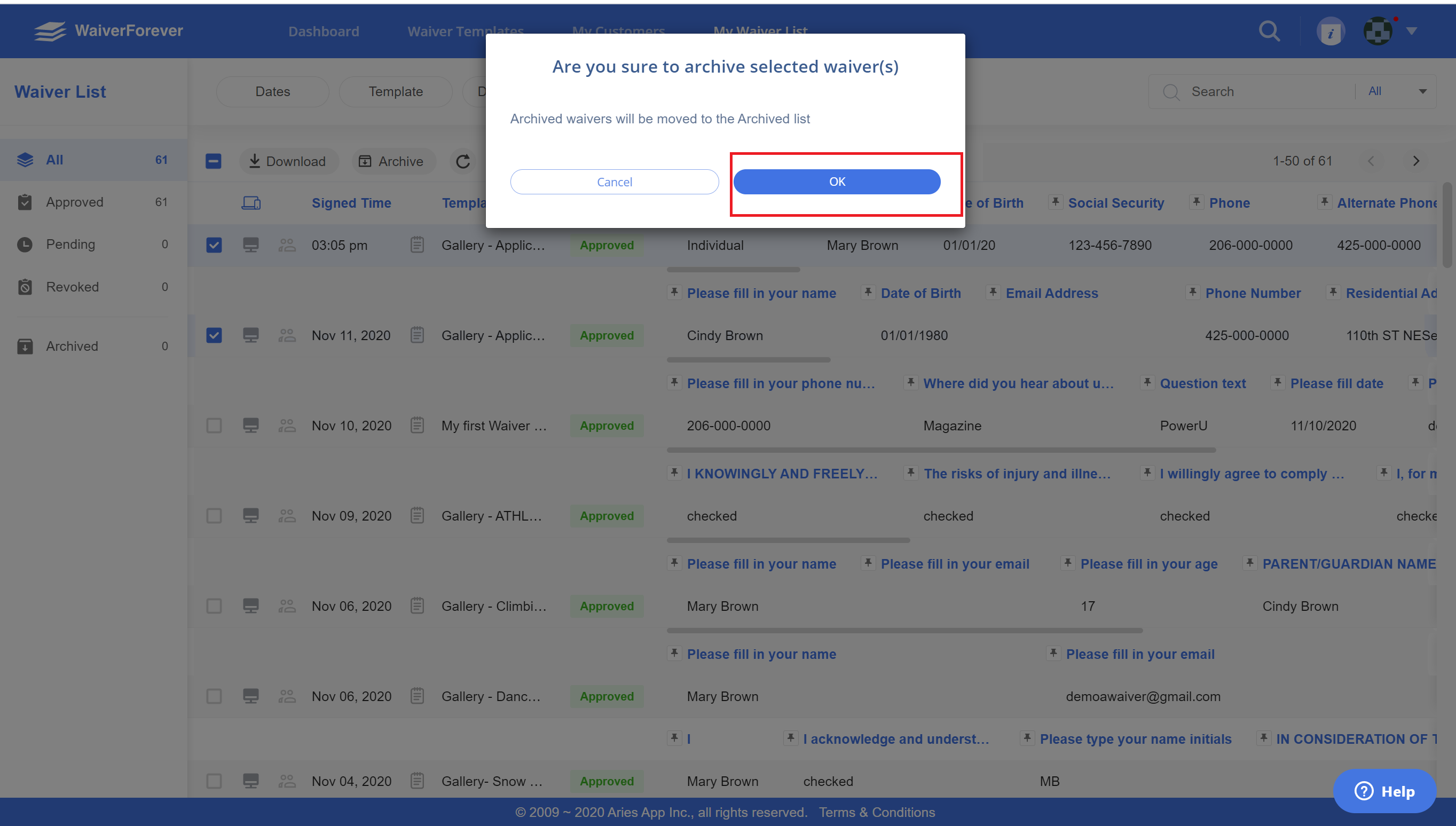
- Move all files you would like to remove into Archived Folder.
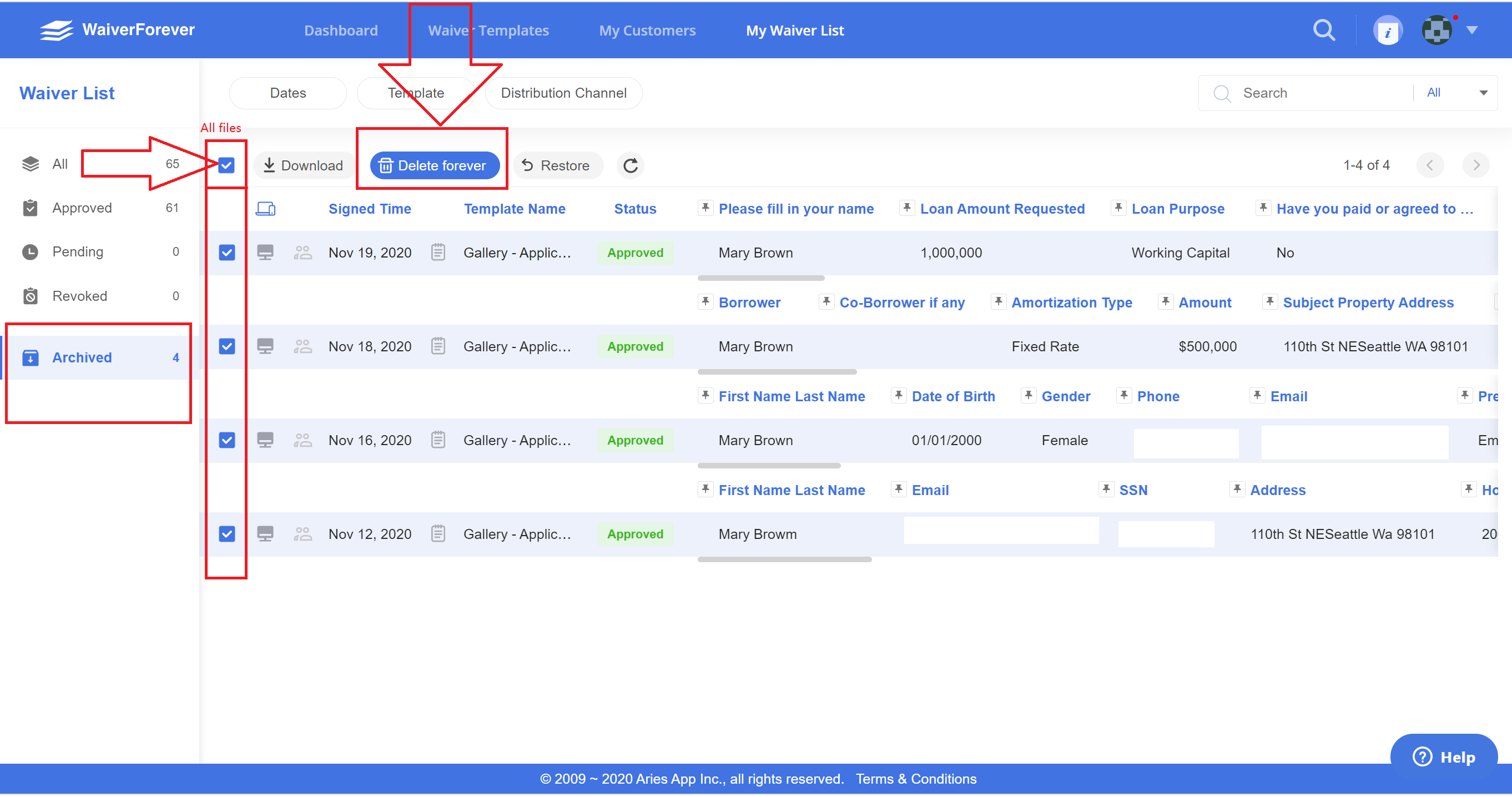
- Select the Achieved Folder. Left-click each one of the remaining files you want to delete or click check box left to the Download icon
 for selecting all files.
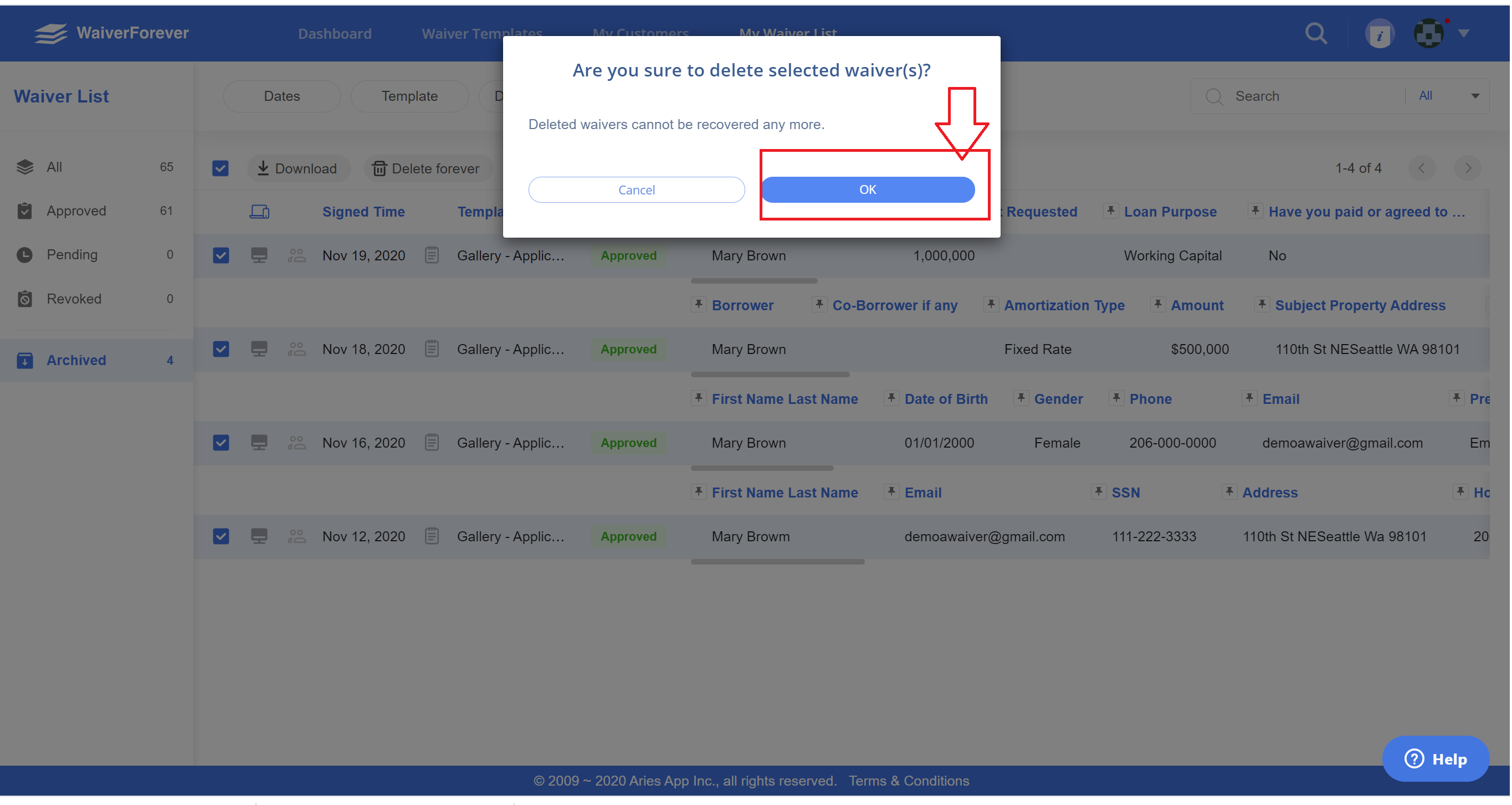
- Click Delete icon
 . A window will then appear. Select the 'OK' button.